

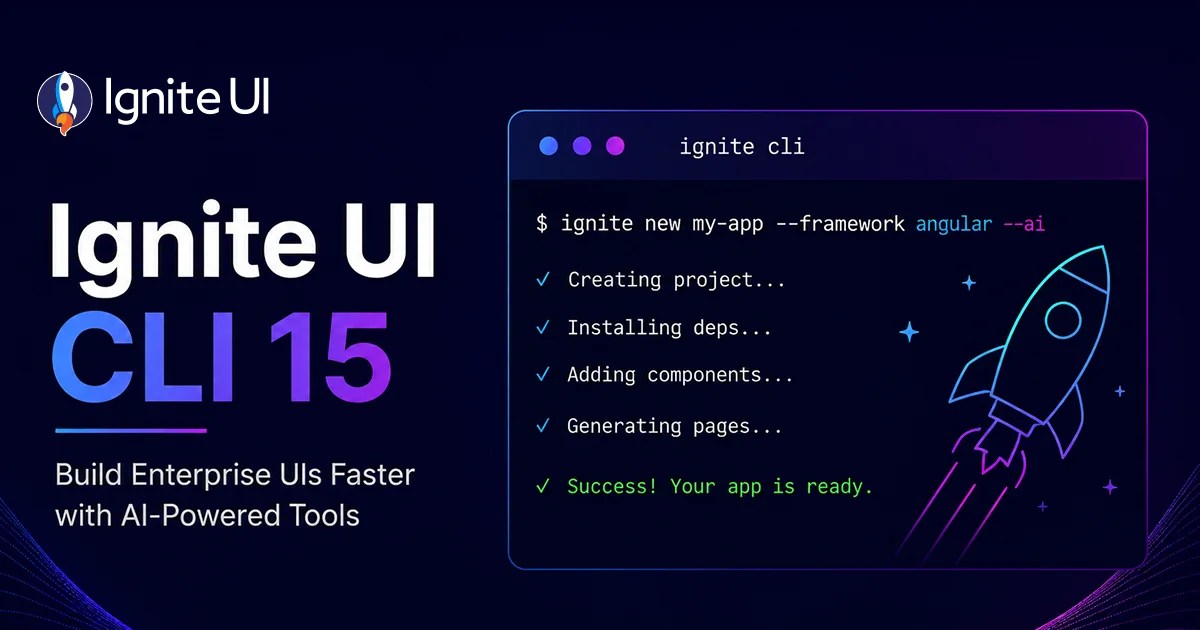
Ignite UI CLI 15 – MCP Server, ai-config & Blazor Scaffolding
Ignite UI CLI 15 (releases 15.0.0 through 15.5.0) turns the CLI into the setup layer of the Ignite UI AI-assisted development toolchain. Highlights: the Ignite UI CLI MCP server with documentation and API lookup for AI assistants across Angular, React, Web Components, and Blazor; the ai-config command for one-command Agent Skills and MCP configuration; Blazor project scaffolding via dotnet new igb-blazor; and modernized Angular templates on signals and Angular 22. CLI 15.0.0 removes the legacy igx-ts-legacy, ig-ts, and igr-es6 project types.

Ignite UI MCP Testbed: An Open-Source Bench for Measuring What Your AI Agent's Tooling Actually Does
The Ignite UI MCP Testbed is a free, open-source end-to-end testing suite that runs one shared prompt across a matrix of supported platforms, AI models, and tooling variants, then lets you compare the results side by side. It currently covers web app generation tests against Angular, React, Blazor, and Web Components. Every run can include scenario-specific Playwright verification tests. No account, no license, no breaking changes - clone it and run your first test matrix today and evaluate how your AI agent skills and MCP servers perform.

Ignite UI Releases 50+ Powerful Open-Source Components
This is just the beginning. We will continue to expand and refine both our open-source and premium controls so that every developer, from startup innovators to large enterprise teams, can build exceptional digital experiences with the right tools.

The True Cost of Free Software: Free Open-Source vs Paid Open-Source Software
Because of security concerns and code visibility, major corporations work with paid open-source software. Free open-source platforms, on the other hand, are the go-to choice for individual devs or small companies and startups with limited budgets.

Top 10 Reasons Why Ignite UI for Angular Library Is the Right Choice
Ignite UI for Angular enables you to build data-heavy UIs with grids, charts, and more. But what are the other reasons that make it stand out? Learn more.

How To Improve the Performance of Angular Apps?
How to improve the performance of Angular apps? Read this blog post to find the ways – from reducing unused JavaScript and CSS to Angular lazy loading.