

Infragistics Blog - #angular

Ignite UI for Angular 21.0 Is Out! What’s New & Exciting
Seamlessly crafted for compatibility, Ignite UI for Angular is the library that enables you to leverage the power of the latest technologies and major releases. Committed to providing you with the best Angular UI toolkit and related insights, our goal is to equip you with more know-how, new features, enhanced performance, and improved stability.

Building Your First Angular PWA with Ignite UI for Angular
An Angular Progressive Web App is a web application enhanced with native-like features such as offline access, background synchronization, etc. And this blog post shows you how to build one.

How to Display Details Data On Demand in a Hierarchical Grid
How can you easily display details data on-demand? In this blog post we demonstrate the exact steps, using Ignite UI for Angular Hierarchical Grid. Read more and explore code snippets and examples.
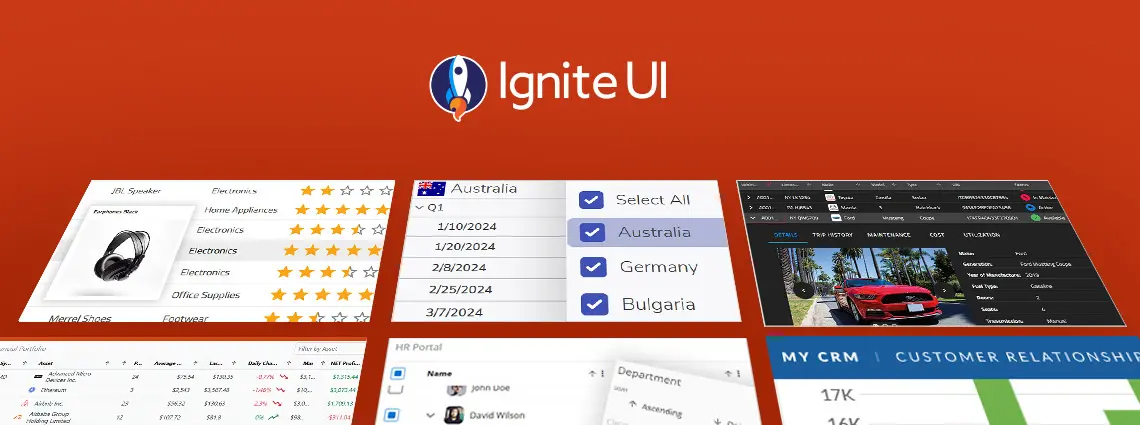
10 Angular App Examples to Inspire Your Next Project
This article lists a mix of 10 Angular app examples that showcase the framework's versatility. See the Angular's strengths applied in action combined with Ignite UI for Angular.

Ignite UI for Angular 20.1 Is Out! What's New & Exciting?
Ignite UI for Angular 20.1 release is out, bringing tons of new enhancements. There are now powerful add-ons like cell merging, dual-side column pinning, and other improvements to the grids.
Ignite UI for Angular vs Angular Material: Features, Performance, & Use Cases
Ignite UI for Angular vs Angular Material - which one to choose? In this blog post, we explore the features, performance, and use cases. Read all about this key criteria and factors.

Getting Started with Master-Detail Layout Using Ignite UI for Angular Grid
The master-detail layout is a proven UI pattern that provides a straightforward, scalable, and user-friendly way to present related data without overwhelming the screen. Learn more in this article.

Mastering Advanced Filtering in Angular Grid Interfaces with Ignite UI
Do you know how to enable Excel-style filtering, Custom filtering operands, Custom filtering strategies, Advanced filtering, Programmatic filtering, or Remote filtering? This article will show you how, including code snippets, examples, and use cases.

What's New: Ignite UI for Angular 19.2
Ignite UI for Angular 19.2 is here and it introduces a major update to SSR (Server Side Rendering) and SSG (Prerendering), plus a brand-new component - Angular Tile Manager. Read more about these enhancements.